
Medication Reminder Calculator
Calculate Your Medication Reminder Schedule
Enter your medication details to get personalized reminder timing recommendations based on best practices for medication adherence.
Recommended Reminder Schedule
Imagine your mom takes eight different pills every day - some with food, some without, some at 7 a.m., others at 10 p.m. You live two states away. Your sister handles her doctor visits. Your brother picks up prescriptions. Your aunt checks in weekly. Without a system, someone will miss a dose. Someone will give the wrong dose. Someone will double up because they didn’t know it was already taken. This isn’t rare. It happens every day. And it’s preventable.
Why a Shared Medication Calendar Matters
Medication non-adherence kills 125,000 Americans each year and costs the healthcare system over $200 billion annually. Most of those cases aren’t due to forgetfulness alone - they’re caused by poor communication. One person thinks the pill is taken after breakfast. Another thinks it’s before. A third doesn’t know the new dose started last week. A shared medication calendar fixes this by putting everyone on the same page - literally.It’s not just about reminders. It’s about trust. When your dad’s caregiver sees that you’ve marked his blood pressure pill as taken, they don’t have to call and ask. When your sister schedules his PT appointment in the same calendar, you get notified. When the pharmacy sends a refill alert, it shows up for everyone who needs to know. This isn’t luxury tech. It’s basic safety.
What a Shared Medication Calendar Actually Does
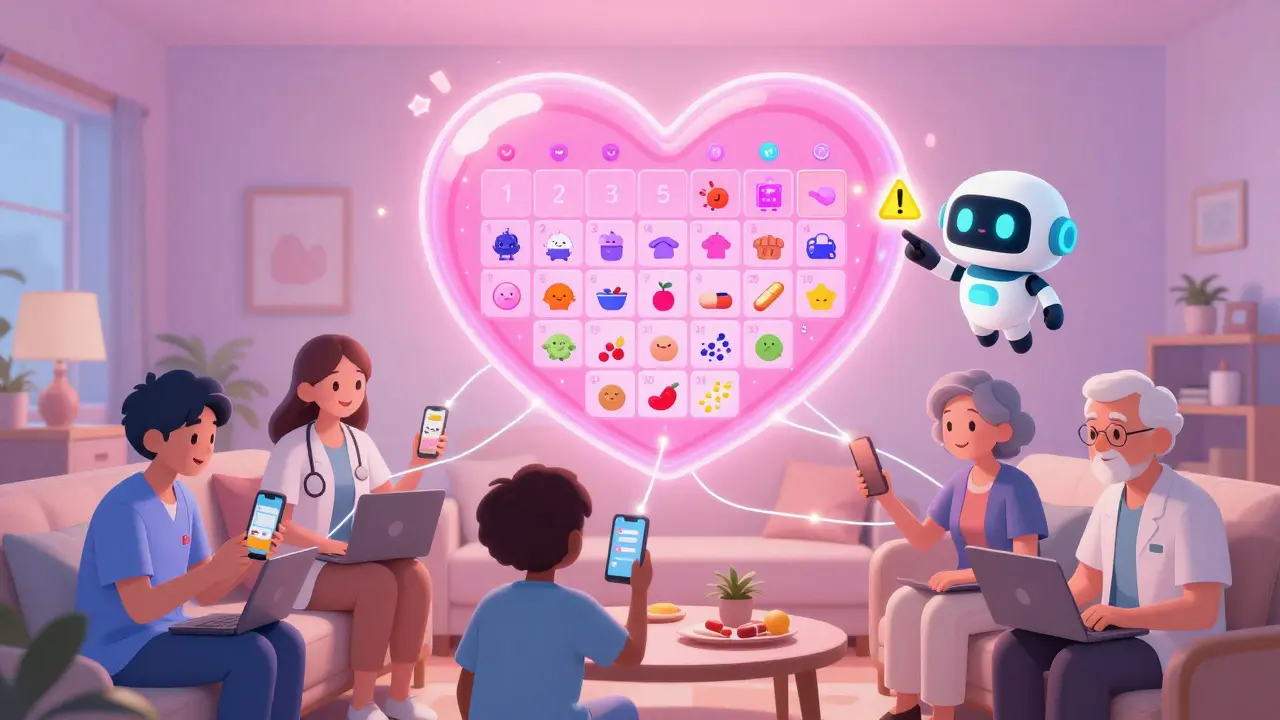
A shared medication calendar isn’t just a Google Calendar with extra labels. It’s a coordination tool that does four things no paper list or text thread can:- Tracks exact doses - not just ‘take pill,’ but ‘take 5 mg lisinopril at 8 a.m. with food.’
- Flags dangerous interactions - if someone adds a new prescription, the system warns if it conflicts with existing meds.
- Assigns tasks - ‘Pick up refill Thursday’ or ‘Call pharmacy about copay’ can be assigned to specific people.
- Syncs across devices - whether someone uses an iPhone, Android, or laptop, they see the same updates in real time.
Studies show these systems reduce missed doses by nearly half. That’s not a guess - it’s from Johns Hopkins’ 2022 Caregiver Technology Study. The difference between a basic calendar and a healthcare-specific one? Medication-specific apps like Medisafe, Caily, and CareZone include drug interaction databases, pharmacy integrations, and caregiver task assignments. Google Calendar? It can remind you. But it won’t tell you that mixing warfarin with ibuprofen can cause internal bleeding.
Choosing the Right Tool
You don’t need a fancy app. But you do need the right fit for your family’s tech comfort level.For simple setups (2-3 people, basic meds): Use Google Calendar. It’s free, works on any device, and lets you share a calendar via email. Create a new calendar called ‘Mom’s Medications’ and color-code it red. Add each pill as an event with time, dose, and notes like ‘take with food.’ Set reminders 15 minutes before each dose. Share it with everyone’s email. Done.
For iOS-only families: Apple Calendar is seamless. If everyone has an iPhone, just create a new calendar under Settings > Calendar > Shared Calendars. You can even link it to the Health app so prescriptions auto-populate from pharmacy data (iOS 17+).
For complex regimens (5+ meds, multiple daily doses, food rules): Use Medisafe or Caily. Medisafe checks 650,000+ drug combinations. If someone adds a new antibiotic, it flags interactions with heart meds, blood thinners, or diabetes drugs. Caily lets you assign grocery runs, bath reminders, or ride-sharing tasks alongside medication times. CareZone imports prescriptions directly from pharmacies - saving hours of manual entry.
Don’t use Microsoft Outlook unless everyone in the family uses Windows and has a Microsoft 365 subscription. Most caregivers over 50 find it too complicated. A 2022 AARP survey showed 62% struggled with its interface.
Setting It Up Right
A calendar won’t help if it’s set up wrong. Here’s how to do it properly:- Hold a family meeting. Don’t just send a link. Get everyone on a Zoom or in person. List every medication: name, dose, frequency, time, food rules, and reason. Write it down. Then enter it into the calendar together.
- Designate a calendar captain. One person manages updates. Not everyone. Not no one. The captain adds new meds, changes times, and checks in weekly. This reduces coordination errors by 63%, according to the University of Michigan.
- Create a separate calendar. Don’t mix meds with birthdays and vacations. A dedicated calendar prevents confusion and protects privacy. Only share this one.
- Set reminders 15 minutes before. People need time to get water, sit down, open the pillbox. A 5-minute alert is useless.
- Enable notifications for everyone. Make sure everyone has notifications turned on. 41% of users miss doses because they silenced alerts without realizing it.
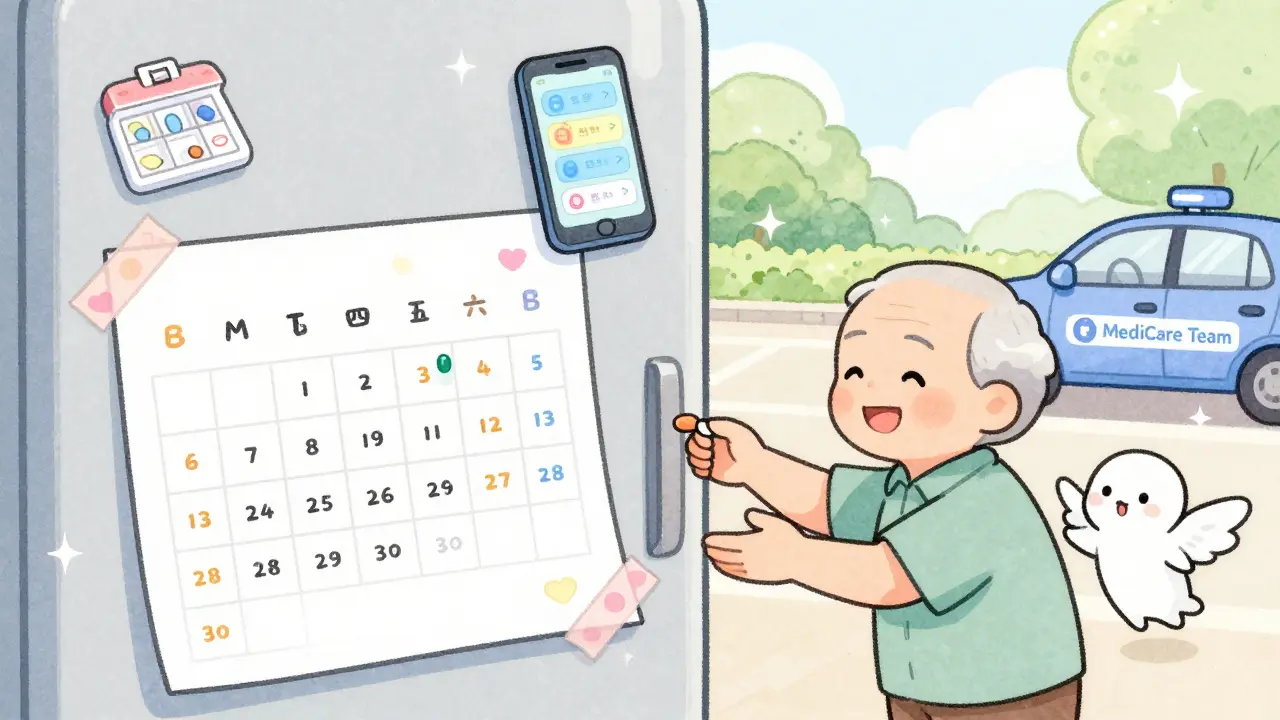
And always keep a printed copy. Older adults may not check their phones. Tape it to the fridge. Give one to the home health aide. Keep one in the car.
Privacy and Trust
This is the hardest part. Many older adults feel violated when family members can see their full medical history. That’s valid. 68% of seniors worry about privacy, according to the National Council on Aging.Here’s how to handle it:
- Only share what’s necessary. You don’t need to show every diagnosis - just the meds and times.
- Use apps with privacy controls. Medisafe lets you set who sees what. CareZone lets you block extended family from seeing sensitive meds.
- Ask for consent. Say: ‘I’m setting this up so no one accidentally gives you the wrong pill. You can turn off sharing anytime.’
And remember: technology doesn’t replace human checks. A 2022 Health Affairs study found 23% of errors happen because people ignore alerts. Someone still needs to look at the pillbox, confirm the dose was taken, and call if something’s off.
What to Avoid
Don’t make these mistakes:- Using text messages. Threads get buried. People delete them. No one knows who’s responsible.
- Sharing a personal calendar. Mixing meds with your vacation plans? That’s a recipe for confusion.
- Assuming everyone’s tech-savvy. If your uncle doesn’t use apps, give him a printed sheet and call him weekly.
- Ignoring food rules. 32% of shared calendars don’t include ‘take with food’ or ‘take on empty stomach.’ That reduces effectiveness by up to 40%.
- Forgetting refill alerts. A missed refill is a missed dose. Use CareZone’s pharmacy sync or set a weekly reminder to check.
Real Results
Kaiser Permanente integrated CareZone for 2.1 million members in 2022. Result? A 31% drop in medication-related ER visits. Families using Medisafe report 98.7% accuracy in dose tracking. Caily users say the task-assignment feature cut their caregiving stress in half.One woman in Florida shared her story: ‘My dad had 11 meds. I was flying in every weekend to check on him. I set up Medisafe with my sister, his nurse, and his pharmacy. Now I get a text if he misses a dose. I don’t have to fly. He doesn’t feel watched. He just feels supported.’
What’s Next
The market for these tools is growing fast. By 2027, 95% of healthcare systems will offer integrated medication calendars. Apple and Google are adding AI features - predicting missed doses before they happen. But the core hasn’t changed: communication saves lives.You don’t need to be a tech expert. You just need to start. Pick one tool. Add one medication. Share it with one person. Then add another. Slowly, you’ll build a safety net that doesn’t rely on memory, luck, or one overburdened caregiver.
Because when it comes to medication, the difference between life and death isn’t always a new drug. It’s a shared calendar.
Can I use Google Calendar for my parent’s medication schedule?
Yes, but with limits. Google Calendar is free and works across devices, making it great for basic scheduling. You can create a separate calendar, set reminders, and share it with family. But it won’t warn you about dangerous drug interactions, auto-import prescriptions, or assign tasks like ‘pick up refill’ or ‘call doctor.’ For complex regimens, a healthcare-specific app like Medisafe or Caily is safer.
What’s the best app for multiple caregivers?
Caily is the best for teams. It lets up to 15 people join a care circle, assign tasks beyond meds (like grocery runs or transportation), and syncs across iOS and Android. Medisafe is stronger for drug interaction checks, and CareZone excels at pharmacy integration. But only Caily combines all three: medication tracking, task assignments, and multi-user coordination in one place.
Is it safe to share health info with family on these apps?
It depends on the app. Medisafe, Caily, and CareZone are HIPAA-compliant - meaning they encrypt your data and meet federal health privacy standards. Google Calendar and Apple Calendar are not designed for health data and don’t offer HIPAA protection. If you’re sharing prescriptions, diagnoses, or dosage details, use a healthcare-specific app. Always check privacy settings and limit access to only those who need to know.
How do I get my older parent to use it?
Don’t ask them to use it. Ask them to trust it. Start by showing them how it helps them - not you. Say: ‘This way, you won’t have to remember if you took your pill. Someone else will know.’ Use a printed backup sheet beside their pillbox. Set up voice alerts if they have a smart speaker. Let them control who sees what. Make it feel like a tool for their independence, not a surveillance system.
What if someone ignores the reminders?
Reminders aren’t foolproof. 23% of medication errors happen even with alerts, because people turn them off or ignore them. That’s why you need human backup. Assign one person to call or visit daily. Use a pill dispenser with a lock or light. If a dose is missed, the calendar should trigger a notification to the caregiver captain - not just the person who missed it. Technology supports; people prevent.
Do I need to pay for these apps?
No - but you might want to. Medisafe, Caily, and CareZone offer free versions with basic features. But multi-user access, pharmacy sync, and interaction alerts often require a subscription ($5-$10/month). Google and Apple Calendar are free. If your family has a simple routine, free tools work. If you’re managing 5+ meds with complex rules, the premium features save time, stress, and possibly lives.
How often should we update the calendar?
Update it every time there’s a change - new prescription, dose change, doctor visit, or pharmacy switch. Set a weekly 10-minute check-in with the calendar captain. Even if nothing changed, confirm everyone sees the same info. A 2023 study found that families who reviewed the calendar weekly had 79% fewer scheduling errors than those who updated only when problems arose.

Comments
Just started using Caily for my mom’s 9 meds last week. We’ve got her nurse, my sister, and me all on it. The task assignments for refill calls? Game-changer. No more ‘I thought you were doing it’ chaos. She even got a voice alert on her Alexa saying ‘Time for your blood pressure pill, Eleanor.’ She didn’t even flinch. Just nodded like it was normal. Which, honestly? It should be.
It’s not about tech. It’s about dignity. She’s not a patient. She’s my mom. And she deserves to live without the weight of remembering every pill at 8 a.m. and 10 p.m. and noon and 6 p.m. and... you get it. This tool doesn’t replace love. It just makes it easier to show up.
Also, the interaction alerts saved us last Tuesday. My aunt added a new OTC sleep aid. Caily flagged it immediately - interacts with her beta-blocker. We called the pharmacist before she took it. That’s not luck. That’s design.
Start small. One pill. One person. Then expand. You don’t need to fix everything today. Just start.
Let’s be real - this whole ‘shared calendar’ thing is just another Silicon Valley solution to a human problem. You think a phone app is going to stop someone from forgetting their meds because they’re confused, lonely, or depressed? No. What they need is someone sitting with them. Not a notification. Not a color-coded event. Someone who remembers they hate grapefruit juice and always skips the 8 a.m. pill because it tastes like battery acid.
And don’t get me started on HIPAA compliance. You’re sharing medical data with ‘family’ - but who defines family? The cousin who shows up once a year? The neighbor who ‘helps’ but never calls? You think a digital calendar makes this less invasive? It just makes it more permanent. And more trackable.
My grandma died because her daughter didn’t know the dose changed. Not because she didn’t have an app. Because she was too tired to ask. Technology doesn’t fix burnout. It just hides it behind a green checkmark.
Wow. Another ‘tech fixes everything’ manifesto. You know what’s worse than a missed dose? A family that thinks a smartphone app makes them a caregiver. You’re outsourcing empathy to an algorithm. You’re not ‘supporting’ your parent - you’re monitoring them. And you call that progress?
And why are we all pretending Google Calendar isn’t good enough? It’s free, universal, and doesn’t require signing up for a subscription service that’s going to sell your data to pharma. You don’t need a $10/month app to write ‘Lisinopril 10mg - 8am - with food’ on a shared calendar. The rest? That’s FUD.
Also, ‘HIPAA-compliant’ is a buzzword. Most of these apps are just encrypted Google Docs with a fancy UI. Don’t be fooled. The real risk isn’t the app - it’s you thinking you’ve done your duty because you tapped ‘confirm dose.’
I set this up for my dad after he almost went to the ER from mixing his blood thinner with ibuprofen. I cried for three days. Then I made a Medisafe calendar. I added his nurse, my brother, his pharmacist, and even his church friend who brings him groceries. Now when he misses a pill, I get a text at 9 a.m. - not at 3 p.m. when he’s already dizzy.
He doesn’t love it. But he doesn’t hate it. He says, ‘At least I don’t have to explain this every time someone new shows up.’ And that? That’s worth everything.
Also - printed copy. ALWAYS. Tape it to the fridge. Put one in his wallet. Give one to the home health aide. Tech fails. Paper doesn’t. But paper doesn’t warn you about drug interactions. So use both. And yes, it’s a pain. But love is a pain. And this? This is the least painful way to keep someone alive.
Start today. Not tomorrow. Today. One pill. One person. You’ll thank yourself in six months.
The entire premise is a neoliberal delusion. You’re commodifying familial responsibility under the guise of ‘efficiency.’ Why should a daughter be forced to subscribe to a $9.99/month app to ensure her father doesn’t die from polypharmacy? Because the healthcare system failed him - and now we’re asking the family to pay for the fix.
And let’s not pretend these apps are neutral. They’re designed to extract data, normalize surveillance, and shift liability from institutions to individuals. The real solution? Universal healthcare with integrated clinical coordination. Not a calendar. Not an app. A system.
Meanwhile, we’re optimizing the symptom while the disease festers. You’re not saving lives. You’re just making the burden feel less visible. And that’s not innovation. That’s capitulation.
There’s something deeply human about the way we avoid the real issue here. We’re obsessed with systems because we’re terrified of the emotional labor. We’d rather automate a reminder than sit with someone who’s afraid of their own body. We’d rather send a notification than ask, ‘How are you really doing today?’
The calendar doesn’t fix isolation. It masks it. The pillbox doesn’t cure loneliness. It just gives it a schedule.
I’ve seen families use these tools and then stop visiting. ‘Oh, he’s got the app - he’s fine.’ But fine isn’t alive. And alive isn’t just dosed on time.
Use the calendar. But don’t let it become your excuse to stop showing up. The tech is a tool. The love? That’s the therapy.
I just want to say - thank you for writing this. Seriously.
I’ve been managing my wife’s meds since her stroke. It’s been three years. I’ve had 17 different lists. Three different apps. Two Google Calendars. I lost count of the times I’ve double-dosed her because I forgot she took it at 8 a.m. and not 9.
We started using CareZone last month. I didn’t think it would change anything. But now I get a daily summary. My sister gets alerts if she misses a dose. The pharmacy auto-ports refills. And the best part? I can see if she took her morning pill just by checking my phone while I make coffee.
It’s not magic. But it’s peace. And after three years of sleepless nights and panic calls to the pharmacy, peace is the most expensive thing you can buy.
If you’re reading this and you’re scared to start - just do one thing. Add one pill. Share it with one person. Then breathe. You’re not failing. You’re learning. And that’s enough.
Stop. Just stop. This is a waste of time. You think a shared calendar is going to fix America’s broken healthcare system? You think a smartphone app is going to replace Medicare’s failure to coordinate care? You’re not solving the problem - you’re just making the family feel better about ignoring it.
And why are we all pretending this isn’t a class issue? Only people with smartphones, Wi-Fi, and time to set up apps are doing this. What about the 70-year-old widow in rural Alabama with a flip phone and no internet? Do you think she’s going to download Caily?
Fix the system. Don’t put the burden on families to patch the holes with apps. This isn’t innovation. It’s negligence dressed up as a blog post.